Many business owners ask us the same thing before we start working together: “Is Google Ads worth it, or will it just burn my money?” Our answer is never a vague “it depends.” You can find out before you spend your first dollar by asking a few specific questions.
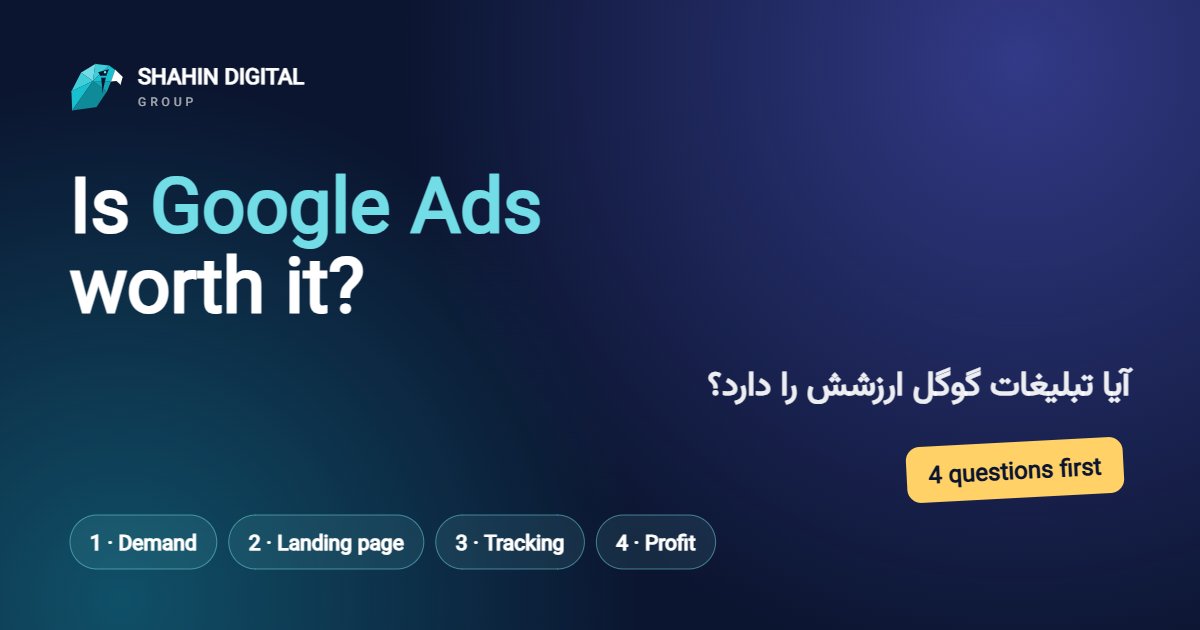
The short answer: Google Ads is worth it for a business whose customers search Google for what it offers, that has a page which convinces those searchers to get in touch, that can measure results, and that earns more from each customer than it costs to win them. If one of these is missing, fix that first.
What exactly are you paying Google for?
With Google Search ads, you don’t pay for your ad to be seen. You pay when someone clicks it. Your ad shows up when someone searches for something related to your business. That’s Google’s real advantage: unlike Instagram, which puts ads in front of people who may not need you at all, on Google the customer raises their hand first.
Competition sets the price of each click, not Google. We list typical numbers by industry in How much does Google Ads cost?
Question 1: Is anyone in your city searching for this?
Some services have real search demand: emergency plumbers, immigration lawyers, auto repair, dentists. Others are things people don’t think about until they see them, like a new handmade product or a service that doesn’t have a familiar name yet.
For the first group, Google is the best place to advertise. For the second, introduce people to what you do first, through content, Instagram and local SEO.
How to check: the free Keyword Planner tool inside Google Ads shows roughly how often each keyword is searched in your city. If almost nobody searches for your main service, it isn’t time for Google Ads yet.
Question 2: Where does someone land after they click?
Most of the money wasted on Google Ads is wasted after the click. You’ve already paid to bring someone to your page; now the page has to do its job.
Try these three tests on your own phone:
- The 5-second test: can a first-time visitor tell what you do, and in which city, within 5 seconds?
- The one-thumb test: can they see and tap the call or booking button without scrolling or zooming?
- The match test: if the ad is about “brake repair,” is the page about brake repair, or does the visitor land on a general homepage?
Google cares about this too: landing page experience is part of your ad’s Quality Score and affects what you pay per click. If you don’t have a suitable page, web design should come before ads.
Question 3: Can you tell which ad brought in a customer?
Imagine you spend $1,000 a month and get ten new customers. Which keywords brought those ten customers, and which ones only collected clicks? If you can’t answer that, next month you’ll spend the same money the same way.
In Google Ads this is done with conversion tracking: calls from your ads, submitted forms and online bookings all get recorded. Set it up before you turn on your ads, not after the budget runs out.
Question 4: Do the numbers add up?
Few people ask this before they start. Here’s a simple calculation (the numbers are hypothetical):
- Say each lead (a call or a form) costs you about $60.
- One in four leads becomes a customer. So each customer costs about $240.
- If each customer brings you $1,500 in profit, that’s a great deal.
- If each customer brings $80 in profit and buys once, Google Ads won’t pay off at these numbers, unless you raise your conversion rate or your customer value.
Plug in your own numbers. This simple math prevents a lot of disappointment.
When is Google Ads not worth it?
| It’s worth it when… | Wait for now when… |
|---|---|
| People search for your service by name | Almost nobody searches for your service |
| You have a fast page with one clear button | Visitors land on a slow or cluttered page |
| Calls and forms are recorded and counted | You don’t know where customers come from |
| Each customer is worth several times what it costs to win them | Winning a customer costs more than they’re worth |
Checklist before you launch your first campaign
- Check your main service keywords in Keyword Planner for your own city.
- Run the 5-second test on your landing page, on mobile.
- Turn on call, form and booking tracking.
- Build a negative keyword list (for example “free,” “jobs,” “course”) so you don’t pay for irrelevant searches.
- Set your location precisely, for example Toronto and the GTA only.
- Do the cost-and-profit math with your own numbers.
Frequently asked questions about Google Ads
What’s the minimum budget for Google Ads?
Google has no required minimum, and you can start with a few dollars a day. But to get reliable data, most local businesses start with $500 to $1,500 a month. See How much does Google Ads cost? for details.
How long does Google Ads take to work?
Your ads can show from day one. But optimizing a campaign and reaching a stable cost per customer usually takes 6 to 12 weeks.
Is Google Ads better than SEO?
Google Ads works fast, but it stops when you stop paying. SEO is slower, but the traffic lasts. The best results usually come from using both.
Can I run Google Ads without a website?
You can run ads that lead straight to a phone call, but without a good landing page a large share of clicks is wasted and tracking is harder. For most businesses, a fast, simple page is worth the cost.
How do I know if I’m wasting money on Google Ads?
Without conversion tracking, you don’t. First record calls, forms and bookings in Google Ads. Then find the searches that got clicks but no customers, and add them as negative keywords.
Where to start
Not sure your business passes these four questions? In a free consultation, the team at Shahin Digital Group goes through them with you and tells you honestly whether it’s time for Google Ads, or whether your page, tracking or something else needs fixing first.
We run Google Ads, SEO and web design for businesses in Toronto and across Canada. See our packages and pricing.